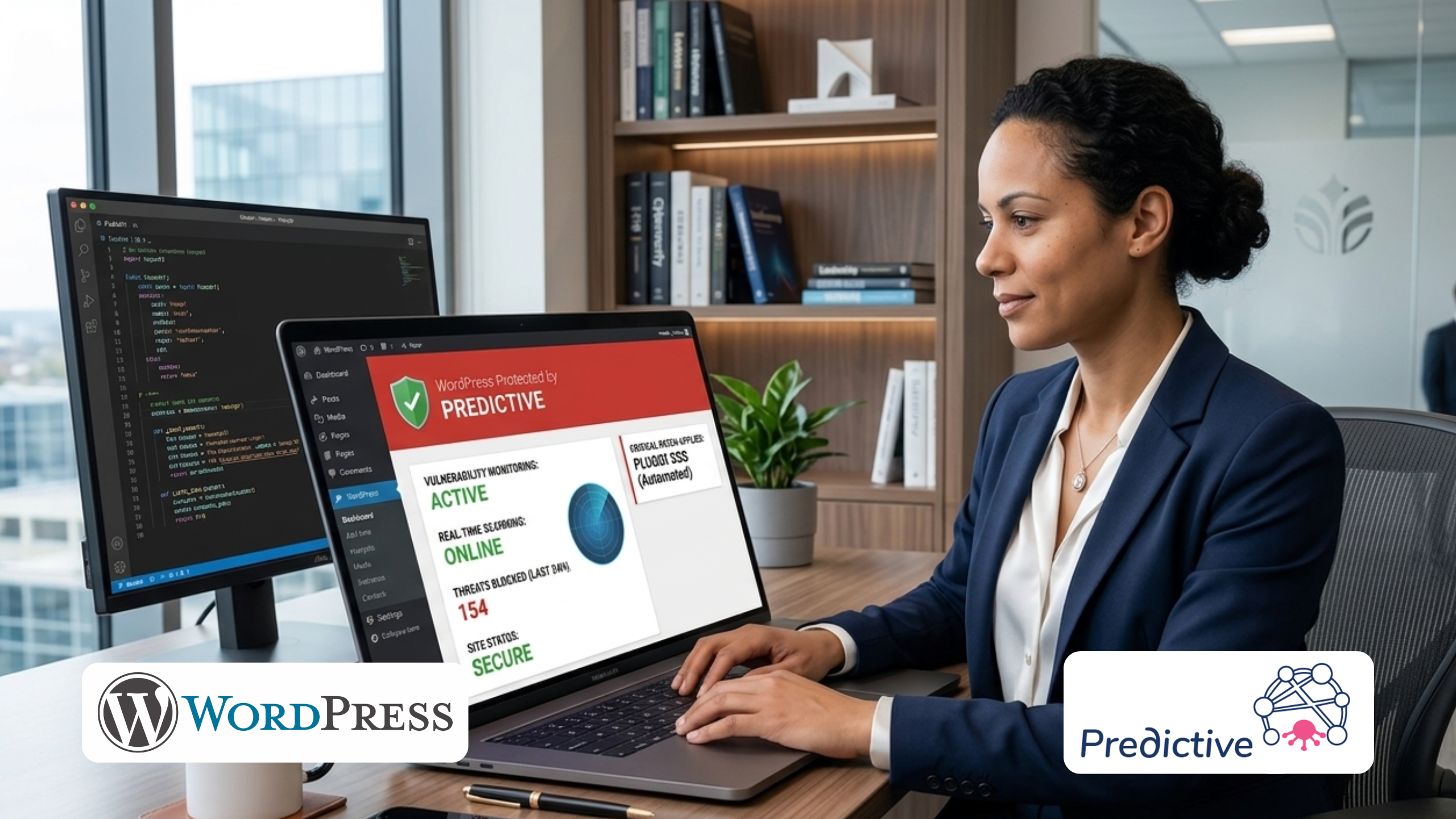
How to prevent the most common WordPress hacks before they happen with Predictive by TisaLabs.
43%
of all websites run WordPress
90k+
WP sites attacked daily
98%
of breaches via plugins/themes
For many sites, a single successful attack can mean days of downtime, lost sales, and expensive cleanup.
WordPress is free, open-source software used to manage content for websites and blogs. It powers 43% of all websites on the internet, making it the most widely used content management system (CMS) on the planet, and it shows no signs of slowing down. WordPress has been growing in adoption every year for over a decade.
You don't become the world's favourite CMS by being complicated and finicky. WordPress is well-known for its easy-to-use interface, thousands of free templates, and a customisation system that doesn't require a professional developer to navigate. That accessibility is exactly what made it dominant.
If your business runs on WordPress, that popularity means attackers are constantly probing your site for weaknesses. Whether you run an online store, a membership site, or a marketing site, a compromise hits revenue and reputation, not just your CMS.
Like anything hosted on the web, WordPress is vulnerable to cybercriminals, bugs, and security risks. Despite being one of the more secure CMS platforms, nobody is perfect. And because WordPress is so widely used, it has become a prime target for hackers, attracting more attacks than any other CMS by a significant margin.
If a cybercriminal gains entry to your site, the consequences can be severe. Your site could face extended downtime, hurting your traffic and search rankings. Private data could be exposed, including your visitors' personal information. And that kind of breach doesn't just damage your website, it damages the reputation of your brand.
Understanding WordPress Vulnerability Categories
Before diving into specific vulnerabilities, it helps to understand how WordPress vulnerabilities are classified. The WordPress Vulnerability Report from iThemes organises all findings into three categories: WordPress Core, Themes, and Plugins. This is the same structure Predictive uses in its reports, so you can immediately see which part of your stack is putting you at risk.
WordPress Core is the stock version of WordPress, all the foundational files the CMS requires to function. Themes are groups of files that control how a site looks, with thousands to choose from. Plugins are pieces of software that add functionality to your site, and if you have a large collection of them, they are almost certainly the source of most of your vulnerabilities. Understanding which issues sit in Core, Themes, or Plugins helps you prioritise fixes instead of guessing where to start.
💡 Pro Tip
Always monitor plugin updates — most attacks exploit already-known vulnerabilities.
Common WordPress Vulnerabilities
Below we outline the most critical WordPress vulnerabilities your website could be exposed to, from injection attacks and broken authentication to protocol weaknesses and social engineering. Understanding these threats is the first step toward defending against them. You don’t need to become a security expert in each of these, but you do need to know which ones affect your site today so you can act before attackers do.
Cross-Site Scripting (XSS)
Also known as XSS, cross-site scripting involves injections of malicious scripts into otherwise trusted websites. An XSS attack occurs when a cybercriminal uses a vulnerable web application to send malicious code to an end user, typically via input fields, comment sections, or URL parameters.
Once the script executes in the victim's browser, it can steal session cookies, redirect users to phishing pages, deface the site, or silently perform actions on behalf of an authenticated user. In WordPress, common XSS entry points include search forms, contact forms, comment fields, and theme customisation inputs. On a real business site, that can mean customers being silently redirected to scam pages or having their accounts hijacked, which erodes trust in your brand fast.
⚠ Why It Matters
XSS is consistently one of the top three most common WordPress vulnerabilities. Plugin-based XSS flaws are discovered weekly, and sites running outdated plugin versions remain exposed even when a fix is available.
Outdated Plugins and Themes
When a developer stops maintaining a plugin or releases new versions without updating older ones, those plugins become outdated and dangerous. An outdated plugin may stop functioning, or worse, become a known, publicly documented entry point for attackers. If you’re running dozens of plugins across one or more sites, it’s easy to miss a critical update and leave a serious hole open without realising it.
This is the single largest source of WordPress breaches. Over 56% of WordPress security incidents involve a vulnerability in an installed plugin or theme for which a patch was already available at the time of the attack. The fix existed, it just wasn't applied. A targeted security scan quickly shows you which plugins and themes on your own site are already vulnerable, so you can prioritise updating or replacing them before they’re exploited.
🔴 Critical Risk
98% of WordPress vulnerabilities are related to plugins and themes. Running a single outdated plugin with a known CVE is enough to expose your entire site to automated exploitation.
Cross-Site Request Forgery (CSRF)
Cross-site request forgery is a type of attack that tricks authenticated users into unknowingly executing actions on a web application they are logged into. By manipulating the victim into clicking a crafted link or loading a malicious page, attackers can make their browser perform actions, like changing an email address, transferring funds, or modifying site settings, without the victim's awareness.
WordPress sites without proper CSRF protection tokens on form submissions and state-changing requests are vulnerable. This is particularly dangerous for admin-level accounts. For site owners, that can translate into unauthorised changes to admin accounts, payment settings, or user data without anyone noticing until damage is done.
SQL Injection (SQLi)
SQL injection is one of the most well-known web attack techniques, and WordPress sites are frequent targets. When a site accepts user input, a username, email, search query, or form field, without properly sanitising it, an attacker can craft input that manipulates the underlying SQL database query. On a live site, that can mean stolen customer records, tampered orders, or even a complete takeover of your admin area and database.
A successful SQL injection attack can extract usernames and passwords from your database, expose private user data, modify or delete records, or in severe cases, grant the attacker full administrative control of the site. WordPress uses MySQL, and any plugin that constructs database queries from unsanitised user input introduces this risk.
Authentication Bypass
Authentication bypass attacks allow cybercriminals to skip the login screen entirely and gain unauthorised access to WordPress accounts. These attacks exploit logic flaws in password reset flows, session management weaknesses, or vulnerabilities in authentication plugins.
Once inside, an attacker with admin access can do anything: install malware, exfiltrate user data, create backdoor accounts, redirect visitors, or completely lock the legitimate owner out of their own site.
Remote Code Execution (RCE)
Remote Code Execution is among the most severe classes of vulnerability. It allows an attacker to execute arbitrary code on your server, taking control of the entire web application or hosting environment. RCE vulnerabilities can be triggered through vulnerable file upload mechanisms, insecure deserialization, or flaws in PHP-based plugin code. If a scan ever flags an RCE path, it’s the one issue you should address before making any other changes to your site.
A successful RCE attack gives the attacker complete control: they can install persistent backdoors, access all files on the server, pivot to other hosted sites, or launch further attacks from your server.
🔴 Maximum Severity
RCE vulnerabilities are classified as Critical in all CVE scoring systems. If Predictive detects an RCE vector on your site, treat it as an emergency and apply the fix immediately.
PHP Vulnerabilities
PHP vulnerabilities is a broad umbrella term describing application-layer flaws in WordPress sites built on PHP, the programming language WordPress runs on. This includes XSS, CSRF, SQL injection, file inclusion attacks, and insecure direct object references, among others. For most site owners, the risk isn’t in WordPress itself, but in custom or poorly maintained PHP code running quietly inside themes and plugins.
DDoS Attacks
A Distributed Denial of Service attack floods your WordPress hosting server with requests from thousands of compromised devices, with the goal of slowing the server to a crawl or crashing it entirely. DDoS attacks do not steal data; they destroy availability.
WordPress's XML-RPC endpoint is particularly susceptible to being weaponised for DDoS amplification attacks. Disabling XML-RPC (unless explicitly needed) is a quick win that eliminates this attack vector.
REST API Vulnerabilities
The WordPress REST API is a powerful feature that allows external applications to interact with your site. But when not properly secured, REST API endpoints can allow unauthenticated attackers to read, create, or modify content on your site. In practical terms, that means attackers can use your own API to edit content, expose user data, or change settings as if they were logged in.
Weak Passwords
Weak passwords remain one of the most persistent and preventable WordPress vulnerabilities. If your passwords are short, predictable, reused from other sites, or haven't been changed in years, automated brute force tools will crack them with ease.
The default WordPress admin username is admin, and millions of sites still use it. Combined with a weak password, this gives attackers a known username and a crackable credential, effectively two-thirds of what they need for full admin access.
✅ Quick Win
Change your admin username from admin to something unique immediately. Combined with a strong password and two-factor authentication, this single change stops the vast majority of brute force attacks.
Sensitive Information Disclosure
Sensitive information disclosure happens when a website unintentionally reveals data that could help attackers, such as WordPress version numbers, plugin names and versions, PHP error messages, database error details, usernames in author archives, or exposed configuration files. While each piece of information may seem minor, attackers aggregate these details to build a precise picture of your site's attack surface, knowing exactly which known CVEs to target.
Malware
Malware is a catch-all term for malicious software injected into or installed on a WordPress site following a compromise. It includes viruses, worms, ransomware, spyware, and backdoors. Malware can steal and encrypt sensitive data, hijack site functionality, redirect visitors to scam pages, send spam from your server, or silently harvest form submissions.
Phishing
Phishing attacks target your users rather than your server directly. Cybercriminals use deceptive emails, text messages, and fake login pages to steal login credentials, payment information, or personal data from your site's visitors. Once your domain is flagged as unsafe or associated with scams, rebuilding user trust and search visibility can take months.
Unencrypted HTTP Protocol
HTTP is an unencrypted protocol developed in 1989. Any data transmitted over HTTP, including passwords, session tokens, and private form submissions, is sent in plaintext and can be intercepted by anyone on the same network. HTTPS, the secure variant, encrypts all data in transit using SSL/TLS.
In 2025, there is no acceptable reason for any WordPress site to operate on HTTP. Beyond the security risk, Google has marked HTTP sites as “Not Secure” in Chrome since 2018, and uses HTTPS as a ranking signal. Running HTTP actively hurts both your security and your SEO.
How Predictive Can Protect Your Site
Far more than just a scanner, Predictive is a complete WordPress security intelligence platform developed by TisaLabs. Our team of security experts built Predictive to actively probe your site for the vulnerabilities described in this article, before attackers can exploit them.
Most teams get a clear, prioritised remediation plan from their very first scan, without needing deep in-house security expertise.
Predictive simulates real-world attack scenarios including XSS injection, SQL injection, brute force attempts, CSRF attacks, REST API exploitation, and authentication bypass, then delivers a structured, professional report with the exact findings, evidence, and remediation steps your team needs to fix the issues fast. Each finding is mapped to severity and business impact, so you know which issues to fix first instead of guessing.
Tips for Securing Your WordPress Site
- Install and configure a security plugin – We recommend running Predictive Security Plugin for layered coverage, combining file integrity monitoring, two-factor authentication, malware scanning, and a Web Application Firewall (WAF).
- Lock your site files at server level – Even if an attacker compromises a login credential, server-level file locking prevents them from uploading or modifying core WordPress files.
- Keep everything up to date – Apply WordPress core, theme, and plugin updates as soon as they are available, especially security releases.
- Enforce strong authentication – Change the default
admin username, require strong passwords, enable two-factor authentication, and set login attempt limits.
- Force HTTPS and set security headers – Redirect all HTTP traffic to HTTPS and configure HSTS, Content-Security-Policy, X-Frame-Options, and Referrer-Policy.
- Run Predictive scans regularly – Schedule automated scans weekly and after any plugin installation or update.
🛡 Don't Have Resources to Manage This Yourself?
If you don't have time to monitor vulnerabilities and perform regular WordPress maintenance, Predictive and TisaLabs can handle it for you. Our automated scanning platform keeps your site monitored around the clock, and our team is ready to help you remediate any findings.